Products › Training Management System

Run training without the admin drag.

Track budgets, monitor attendance, and publish training programs in one place.

★★★★★4.9 on Google
★★★★★4.9 on Capterra
★★★★★4.8 on G2
Training / Company
Pending
2
HR
My HR / Training
Training List
+Create training request
Training nameStatusDetails
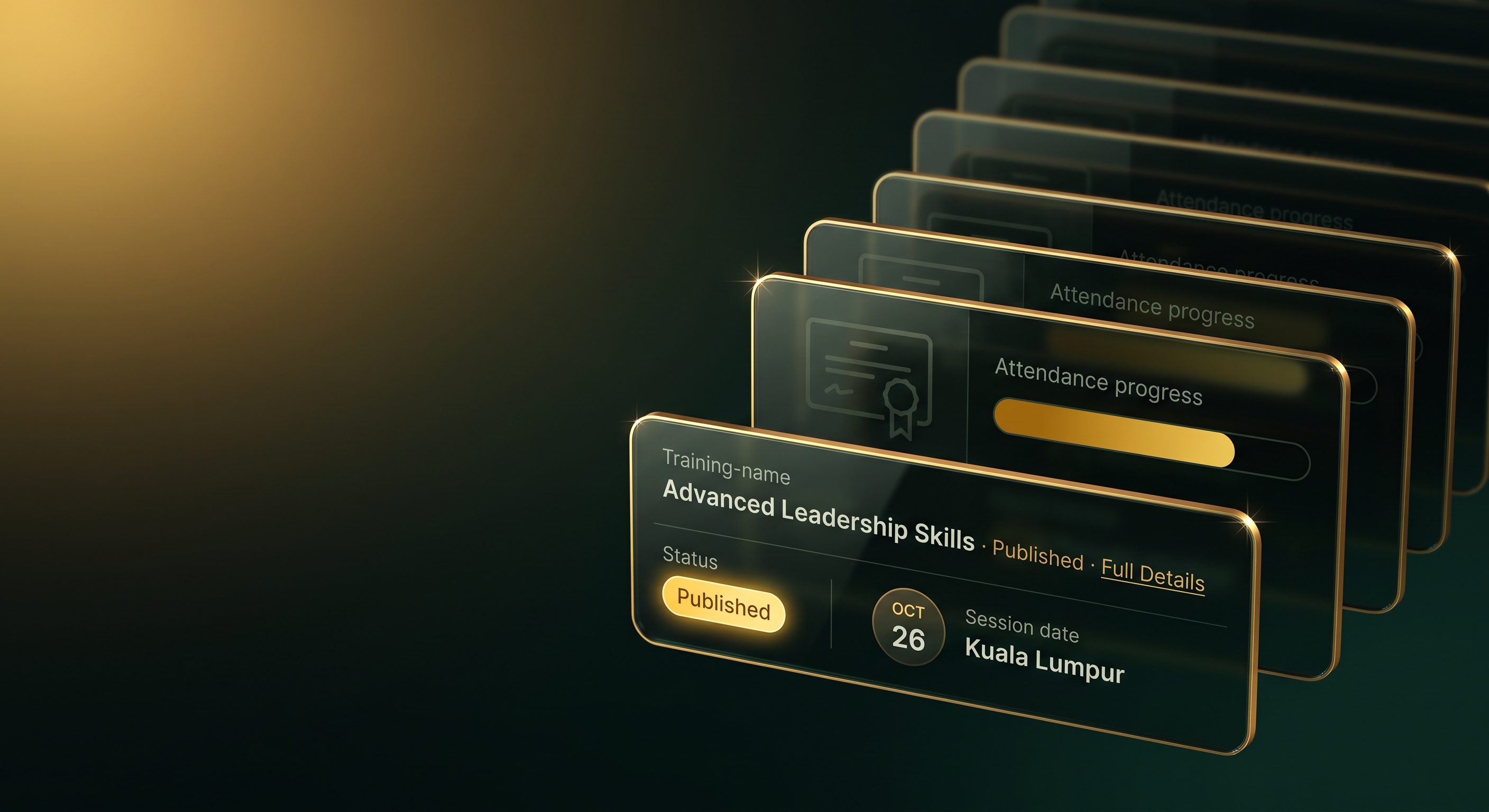
Project Management 101 for New Project LeadersPending9:00 AM – 5:00 PM, 17 Sep 2026 · Penang
Digital Marketing Mastery WorkshopEnrolledFull-day, 20 Sep 2026 · Kuala Lumpur
Training List /
Modern Marketing Mastery Published
Complete
DetailsBudgetTrainees
Description
Equips marketing professionals with strategies for today’s digital landscape: content, SEO, and campaign analytics in one workshop.
Key takeaways
  • Integrated marketing strategy across channels
  • Buyer personas & customer journey mapping
  • SEO, SEM, and content best practices
Training detail
9:00 AM – 5:00 PM
17 Sep 2026, Penang
Budget center: Marketing
Certificate
Not issued yet
Settings / Budget Center
Budget Center
NameStatusBudgetUtilizedBalance
MarketingActiveMYR 0MYR 0MYR 0
SalesActiveMYR 15,000MYR 5,000MYR 10,000
Utilization0%
Employee Training Report
Employees and training events, in one view
Export Report
Search by employee or training name
Fields & Filters
EmployeeTraining nameStart dateDuration
GGowriProject Management 101…17 Sep 202632h
AAinaDigital Marketing Mastery…20 Sep 202616h
HHafizCompliance Training 101…25 Sep 20268h
RRajLeadership Essentials…28 Sep 202624h

This shouldn’t be your training system.

When training lives across scattered tools, HR spends more time chasing approvals and files than managing learning.

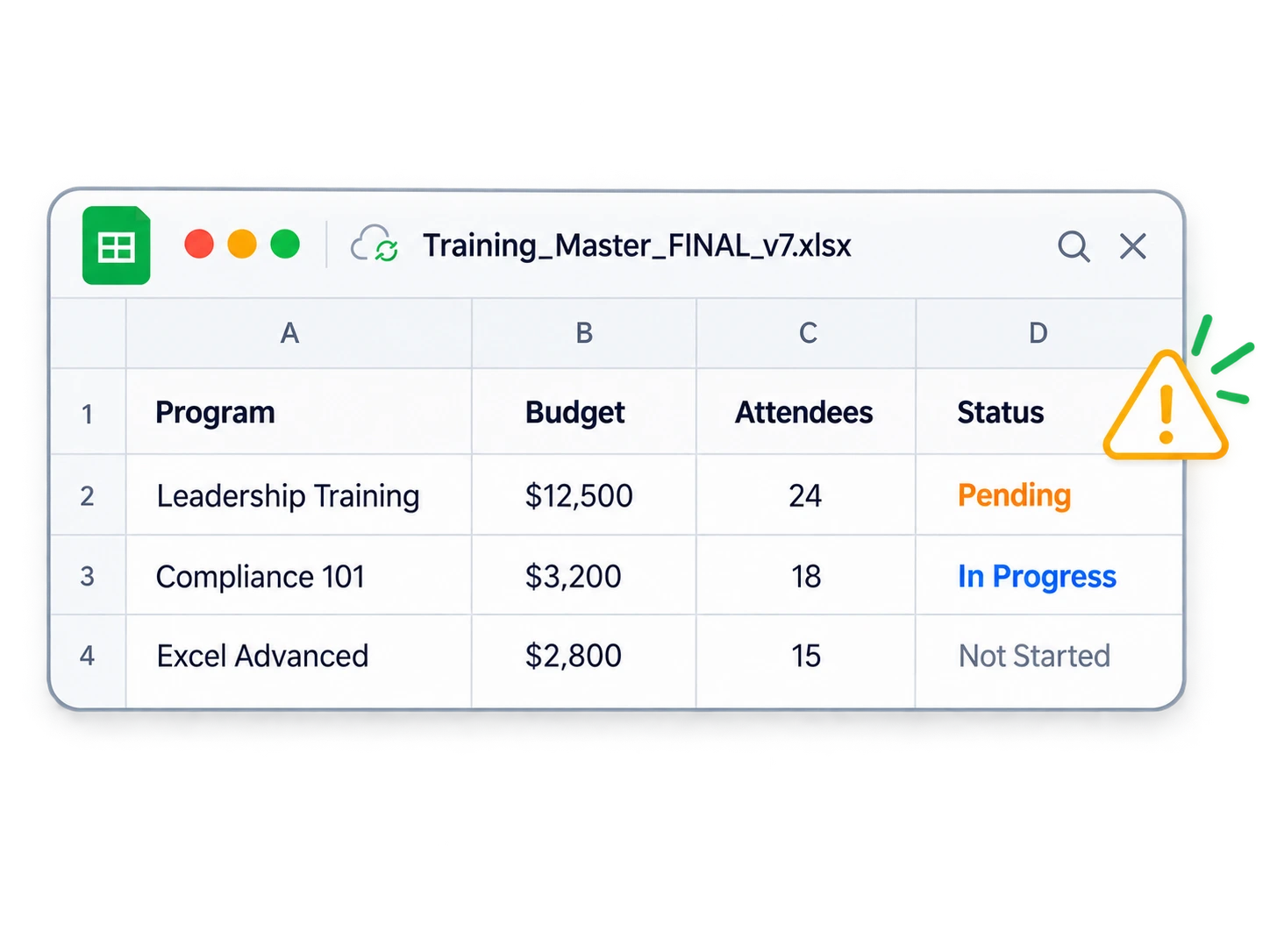
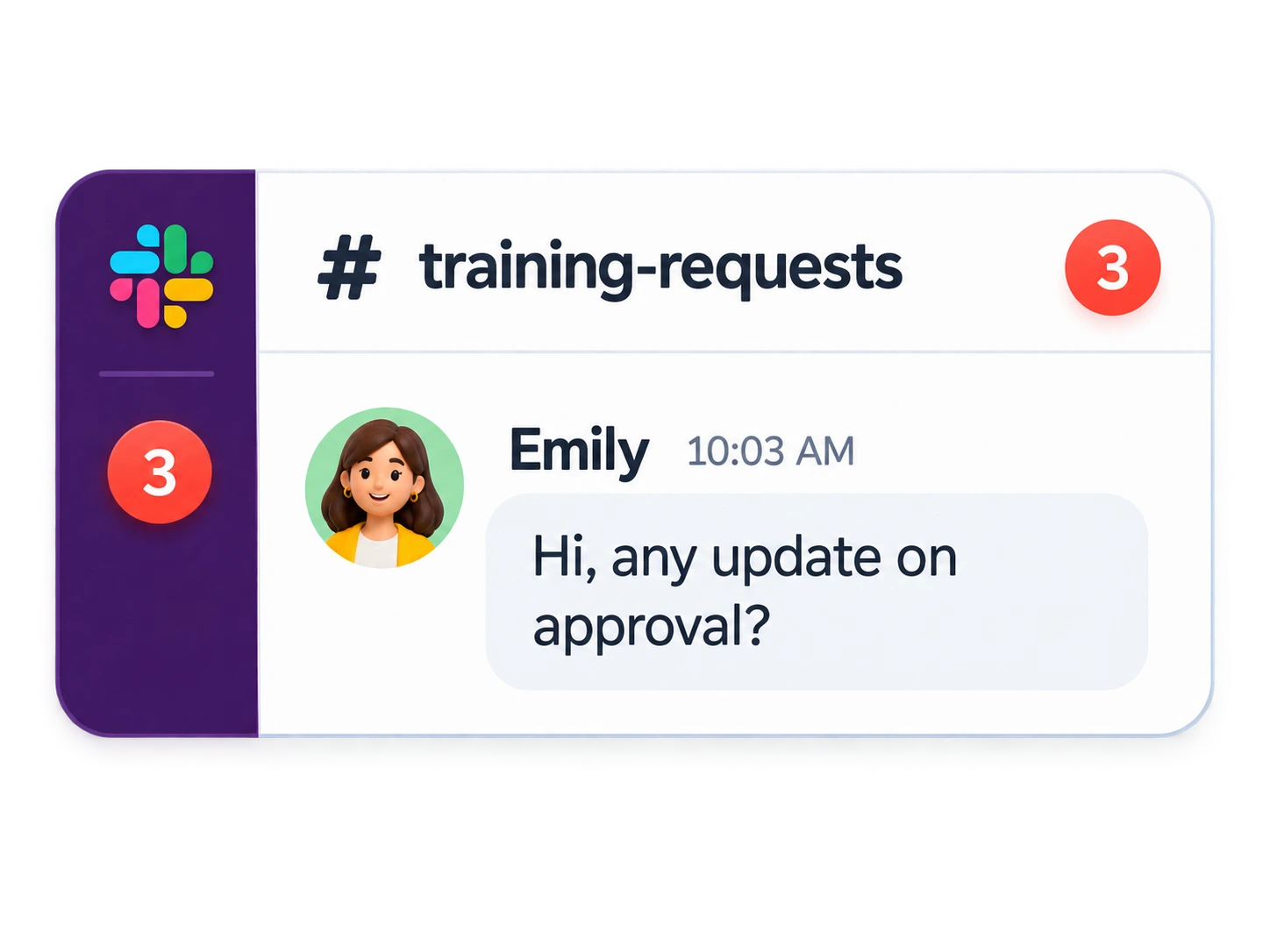
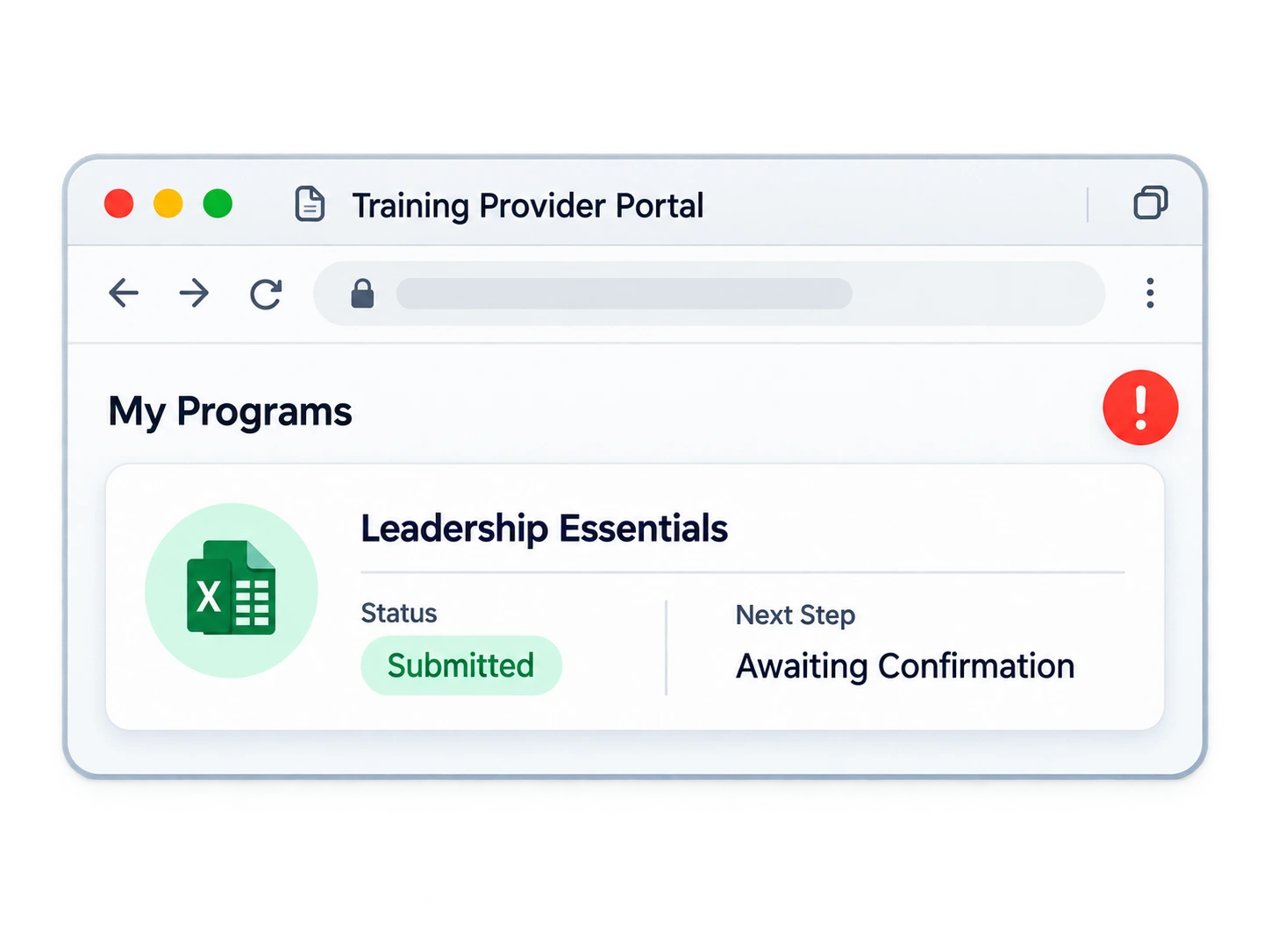
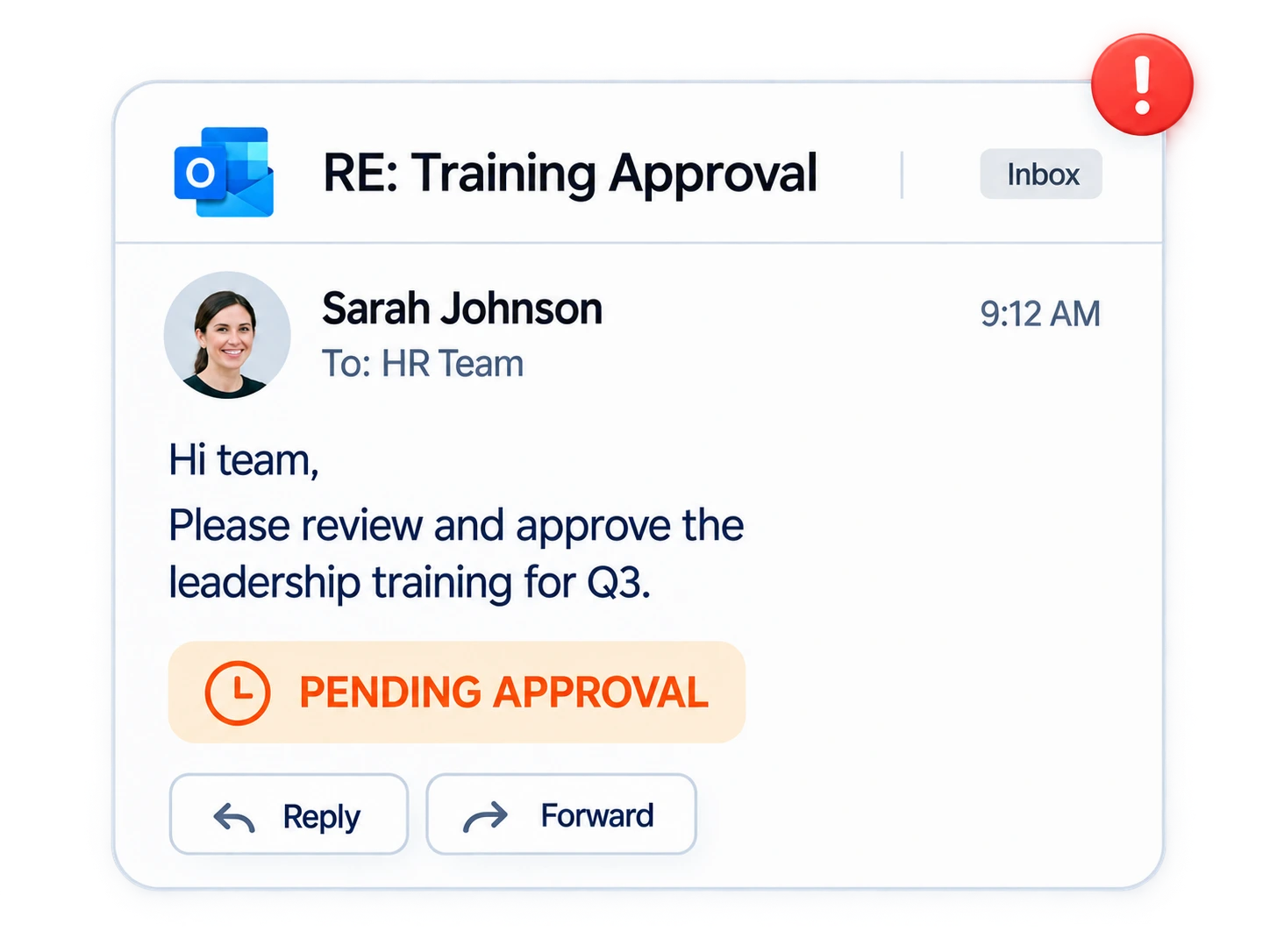
Too many tools.  Not enough clarity.

Tue Sep 15 · 10:30 AM
Training tracking spreadsheet
CalendarToday
SMTWTFS
303112345 6789101112 13141516171819 20212223242526 27282930123
Leadership Training, Sep 14
Training request chat
Certificate folder
Training provider portal
Training approval email
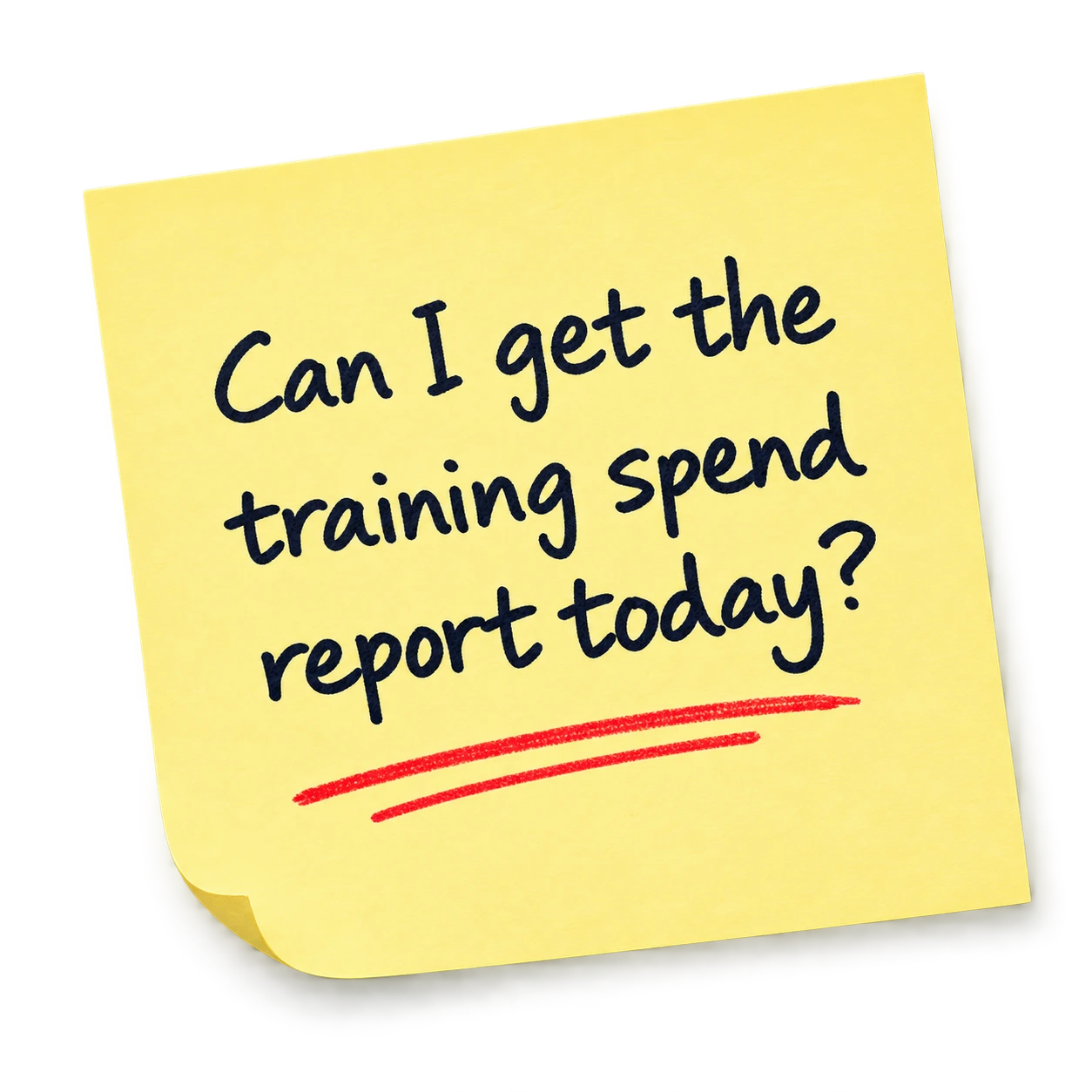
Sticky note
Desktop dock

One connected flow, from request to report.

brioHR keeps every step of training connected, so requests, approvals, records, budgets and reporting move together.

Training
Request
Submitted
Approval
Approved
Training
Scheduled
Record
Completed
Budget
Updated
Report
Ready

Keep every training record connected, so the right report is easier to retrieve when auditors ask.

One system for training,
plan to record.

One system for training,
plan to record.

One place for every training activity

Create programs, open them up to your people, and keep every record organized as you go.

Built to grow with your team

See what changes for HR once every step is connected.

Training works better when it already knows your people.

Training draws on the employee and organization data already in brioHR, so there’s nothing extra to set up or maintain.


Employee Profiles
Employee Profiles
Every employee is already in the system, no separate trainee list to maintain.
Organization Structure
Set eligibility and approvals by department, position, or reporting line.
Budgets & Cost Centers
Training spend rolls up alongside the rest of your HR budgets.
Performance & Talent
Training history sits alongside performance and talent records for the same employee.

Benefit from the
brioHR power

Payroll
All-in-one local payroll software
Calculate payroll, benefits, and taxes in real time. No more excel formulas. No third parties. Everything you need in one place.
Onboarding
Smoother onboarding experience
New hires get instant access to payslips, tax info, and personal details via dashboards. HR doesn't lift a finger.
Expert support
Expert support when you need it
96% CSAT. Real people, not bots. Get answers from payroll experts who know your setup inside and out.
Fast support
Support in under 3 minutes
Whether it's payroll day or not, our team responds in less time than it takes to make a coffee.
Scale
We scale with you
From 10 to 3,000+ employees across multiple countries. One system. No growing pains.

1,000+ teams
already on brioHR.

Frequently asked questions

Everything HR teams ask before setting up training in brioHR.
Is brioHR Training an LMS?+
No. brioHR manages the planning, requests, approvals, budgets, attendance, and records around training. The training itself happens externally. brioHR doesn’t host courses or run sessions.
Can employees request new training?+
Yes. Employees can submit a training request with a budget center, category, and description for HR to review.
Can different training programs have different approval workflows?+
Yes. You can set up different approval workflows by category or by event, with specific approvers and thresholds.
Can I manage training budgets in brioHR?+
Yes. Budget centers show allocated, utilized, and remaining balance for every training budget.
Does brioHR issue training certificates?+
No. brioHR keeps the training record, but certificates are issued by the training provider or trainer.

Make training easier to manage, from day one.

Plan programs, manage requests and approvals, control budgets, and keep every record organized, all in one place.

Get a Free Demo